Caps Lock occupies some of the best land on a keyboard. My left little finger can reach it without leaving the home row, yet I used its original function a few times a month. Remapping it was less about typing speed and more about removing awkward hand movements that I repeated all day.
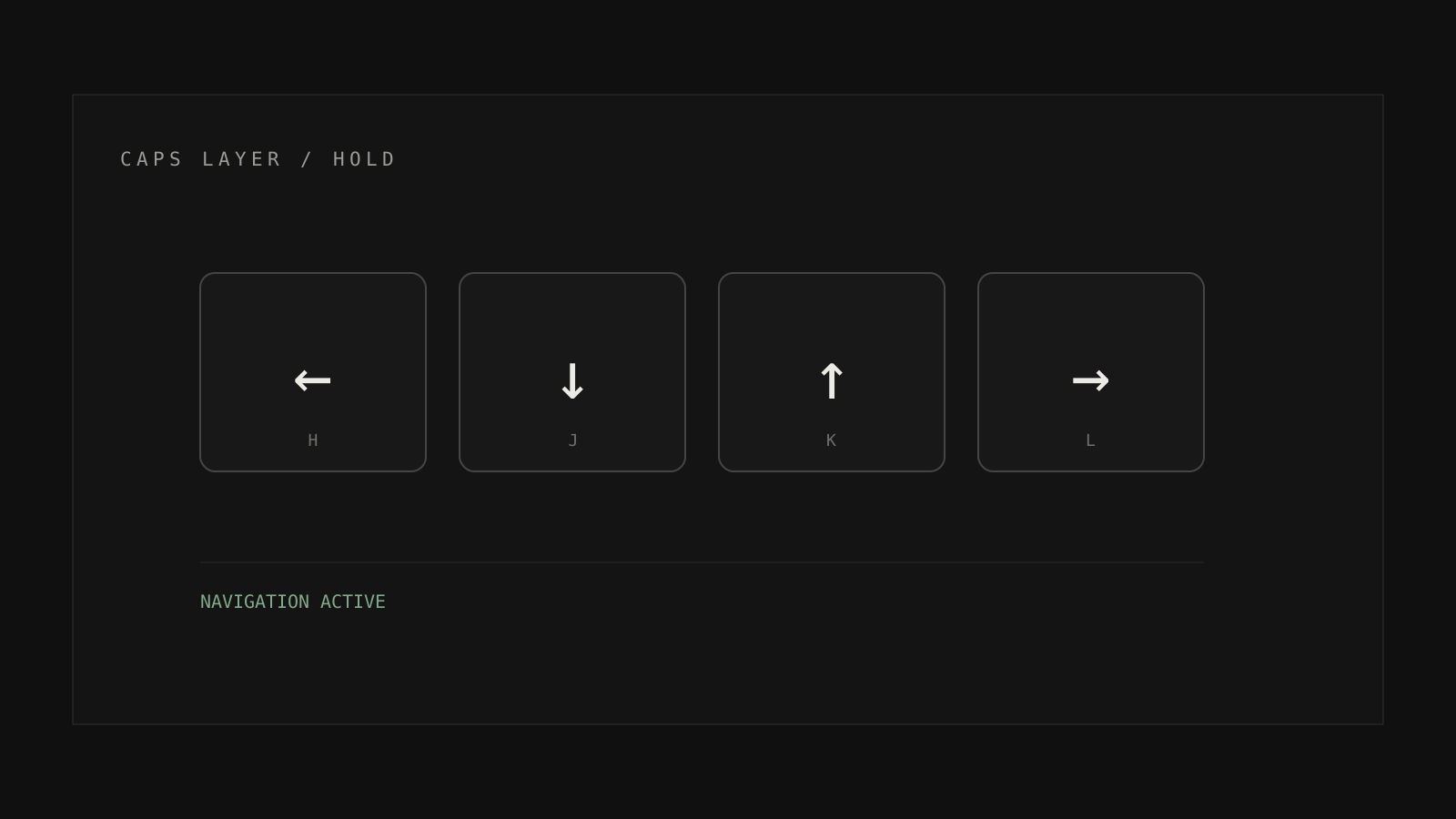
I use Caps Lock as a layer key. Holding it turns H, J, K, and L into arrow keys. Nearby letters handle page movement, line boundaries, and deletion. Tapping Caps Lock still sends Escape, which is handy in editors and modal dialogs.
The layer had to stay small#
My first map tried to cover every navigation command I could imagine. It lasted a week. I could never remember the rare bindings, and the crowded layout made the common ones harder to learn.
The current layer contains only movements that interrupt normal typing:
| Key | Action |
|---|---|
| Caps + H/J/K/L | Arrow keys |
| Caps + U/O | Home and End |
| Caps + I/P | Page Up and Page Down |
| Tap Caps | Escape |
This works across editors, browsers, and native macOS controls. That consistency matters more than saving a single keystroke. I no longer pause to remember whether a particular application uses a custom navigation chord.
What I would change#
I would start with arrows and Escape, then wait. A useful layer grows from repeated friction. Designing the whole thing in advance mostly produces shortcuts for problems that do not exist.